Your pace.
One note at a time.
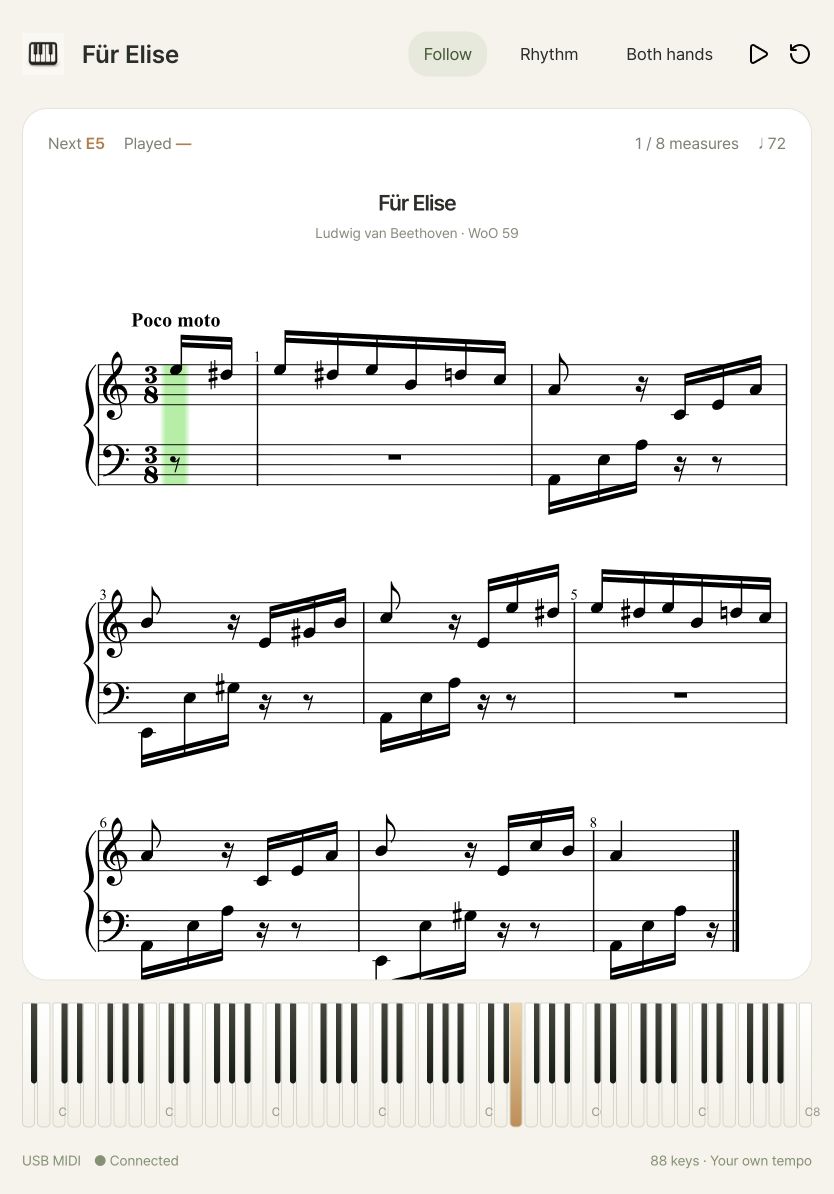
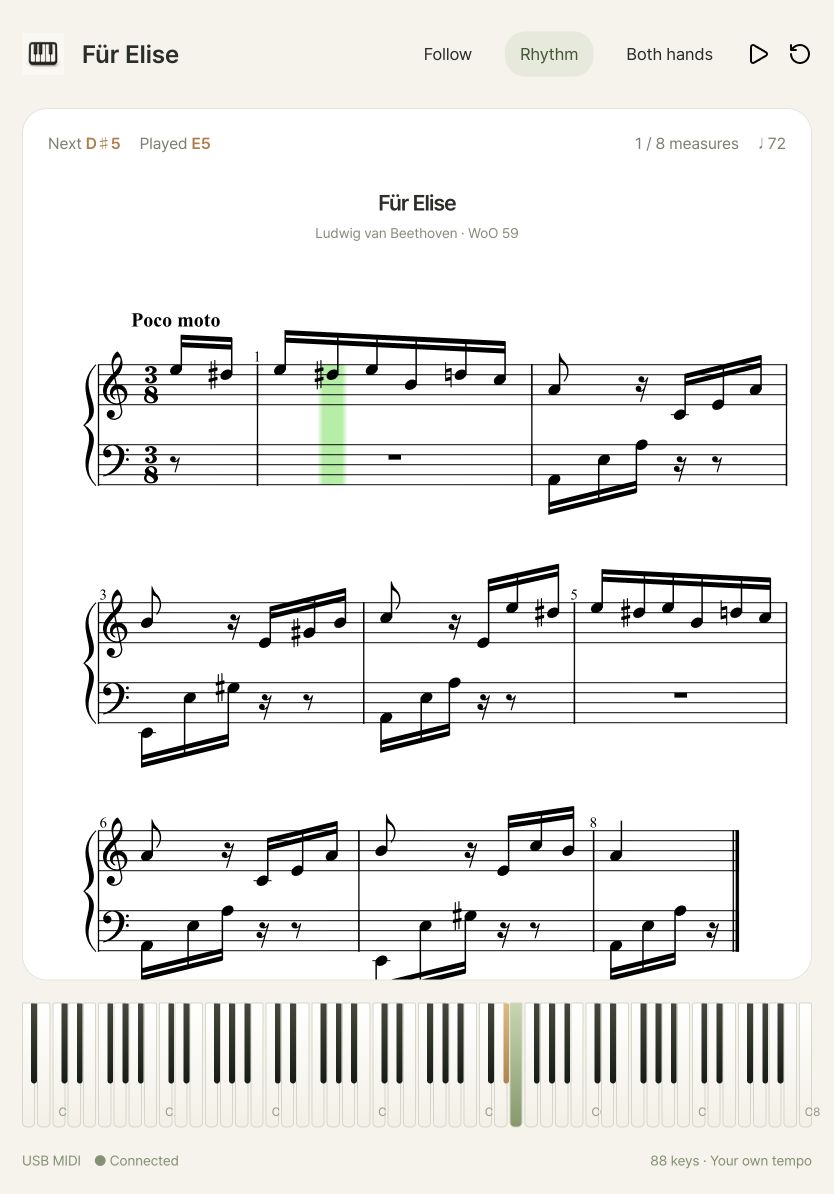
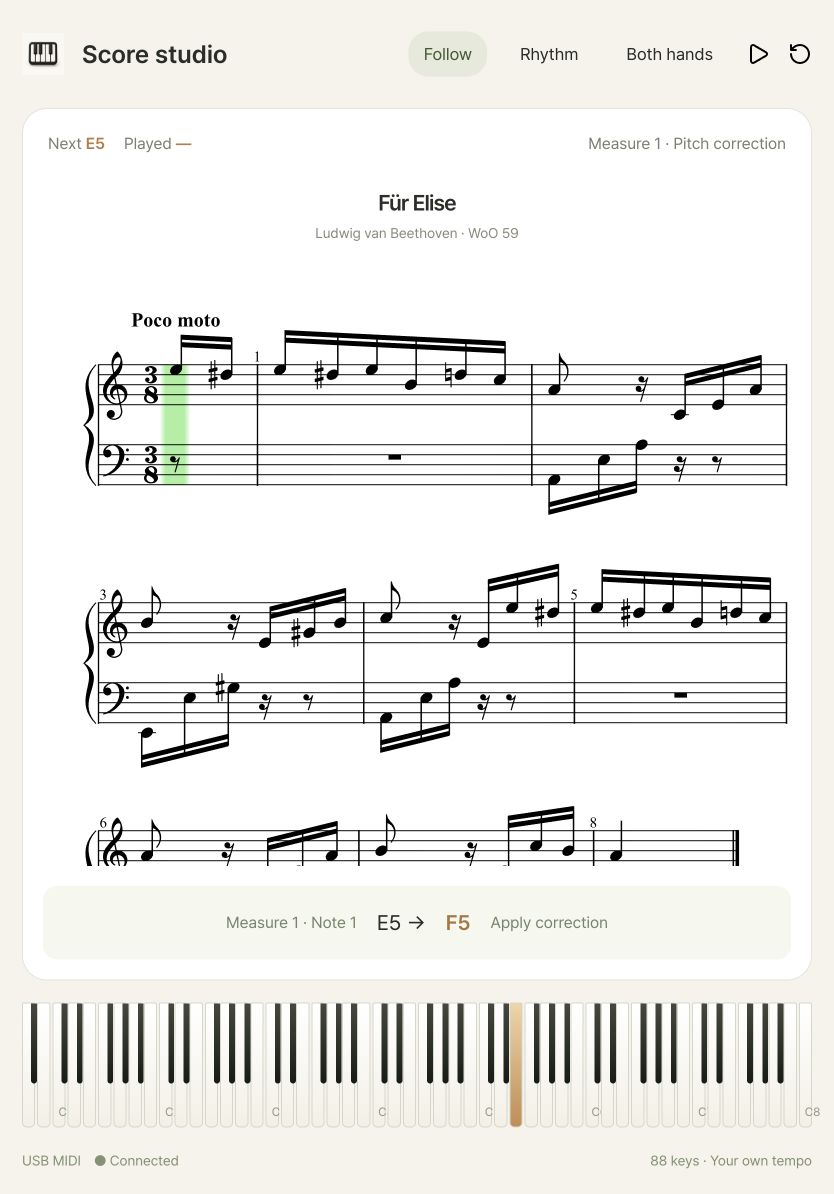
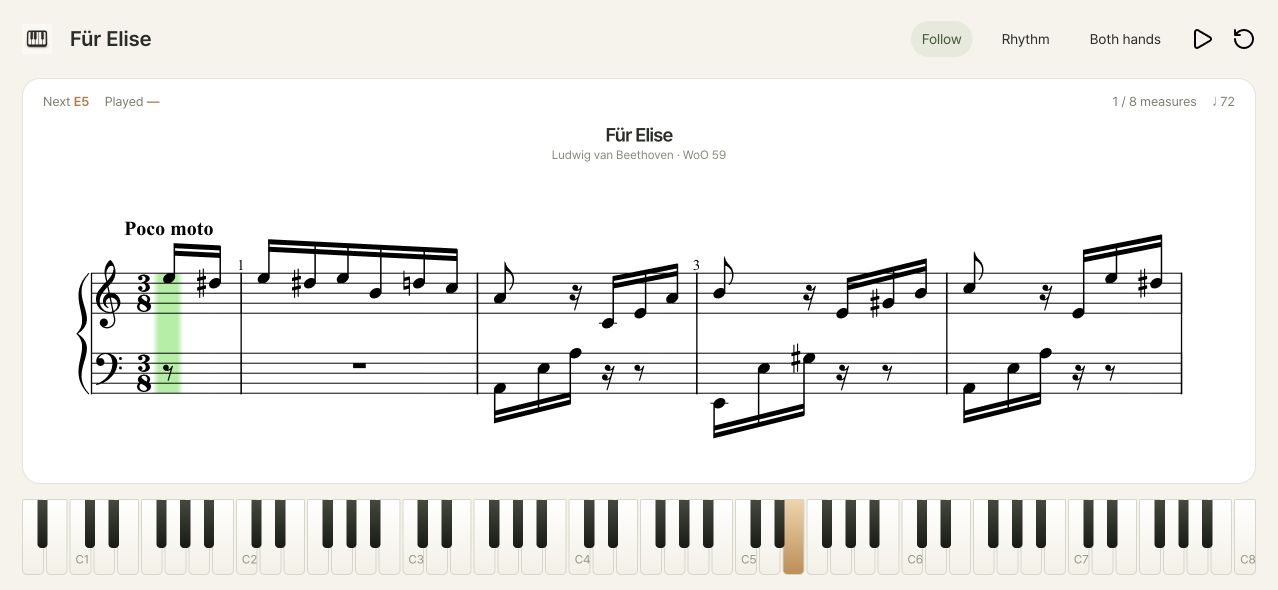
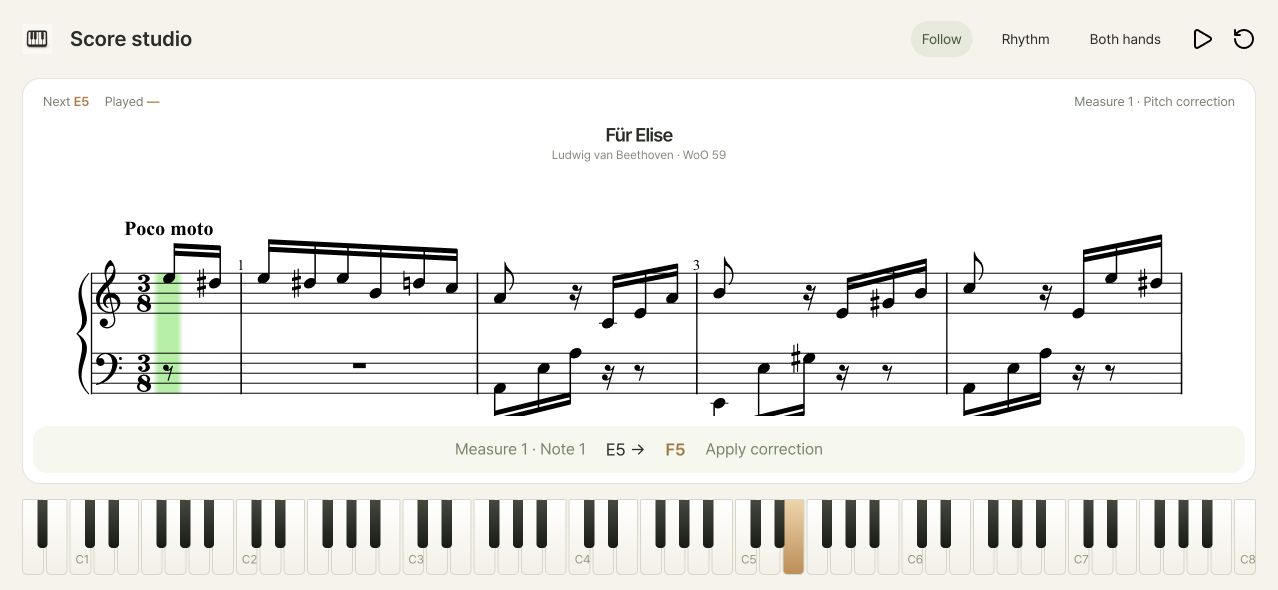
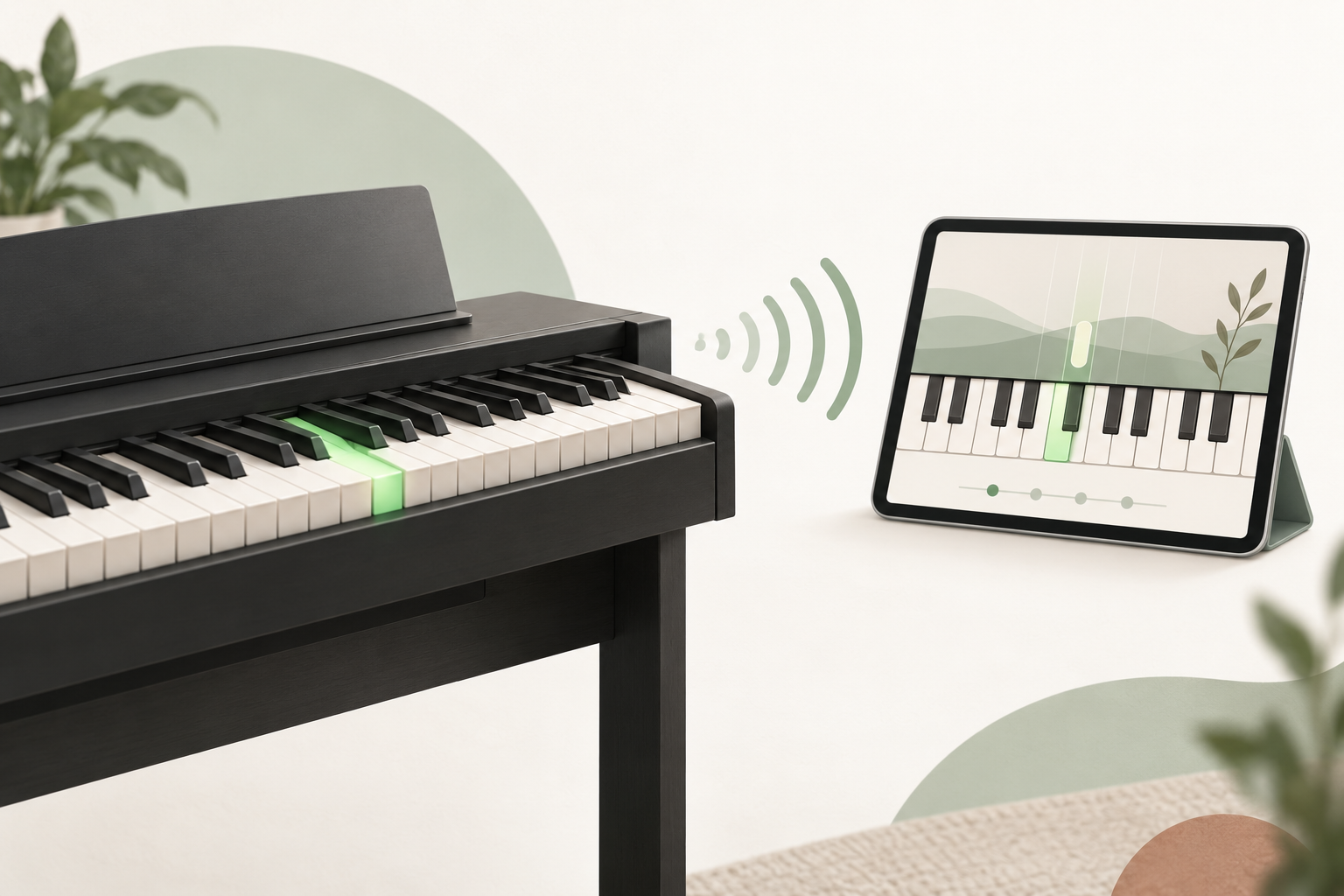
The score waits for the right notes. Practice with both hands, or focus on one, with no need to rush.
Connect your piano and practice either hand at your own pace.
iOS · Android / Phones · Tablets · Android on Google Play · iOS on the App Store
The score waits for the right notes. Practice with both hands, or focus on one, with no need to rush.
Connection guides and measure-by-measure score notes you can read without installing the app.
Narrow down connection problems by checking the port, data cable, power and app input in order.
Read guideCompare quarter and half rests in specific measures of a short exercise.
Read guideKeep the original score, create a practice copy and review only the measures that need attention.
Read guideYour piano. Your favorite scores. Start your first session.
iOS App Store · Android Google Play
Checking your account and registration…
Sign in to check your participation and coupons.
We will send launch news for your selected platforms to your account email.
Administrator-issued coupons are managed separately from your credit wallet. Choose one at the conversion payment step.
You do not have a conversion coupon yet.
Convert a score in My libraryView your score on the web.
Convert it to MusicXML format for practice.
JPG → PDF → MusicXML
My library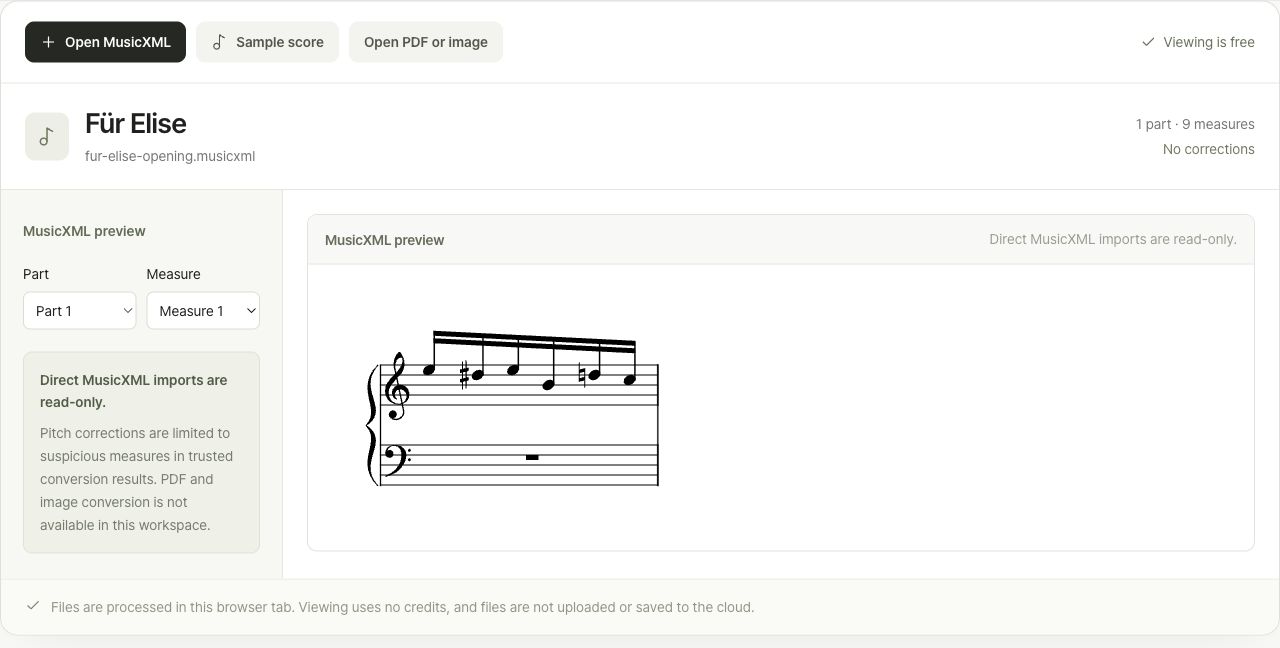
Start free. Choose the plan that fits your practice.Subscriptions and credit purchases are paid for in the app.
Recognize the notes in a PDF or photo and convert them to MusicXML. Use your own score for MIDI following and rhythm practice.
500credits/ page
Importing scores and viewing originals are free. If you already have a MusicXML file, no conversion is needed.
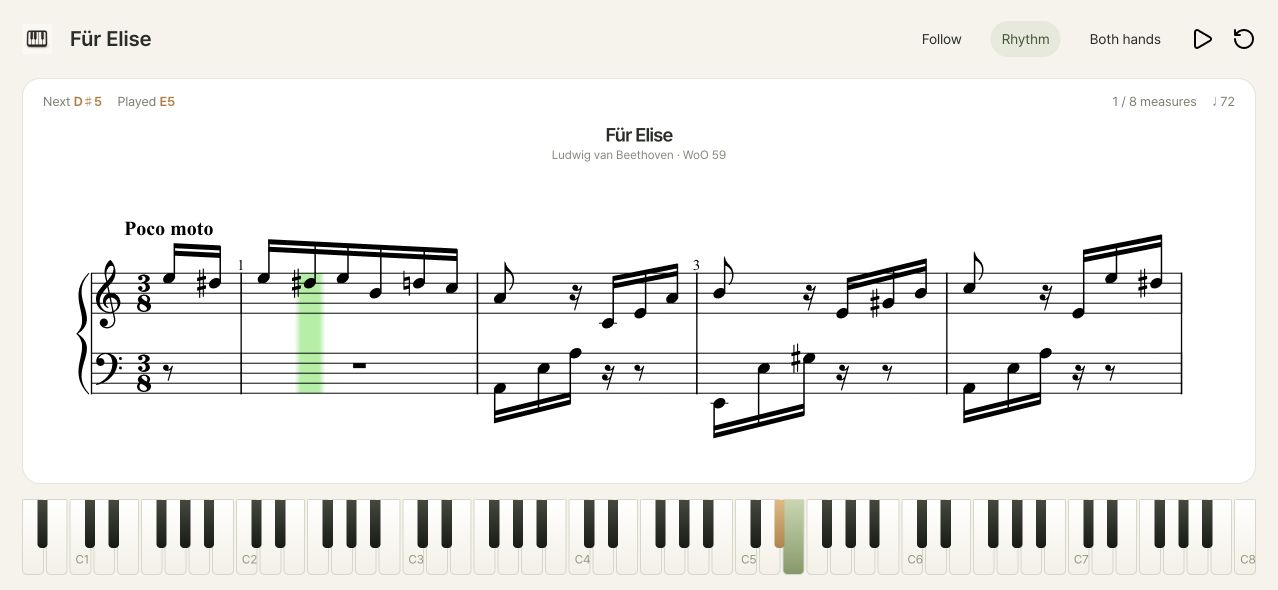
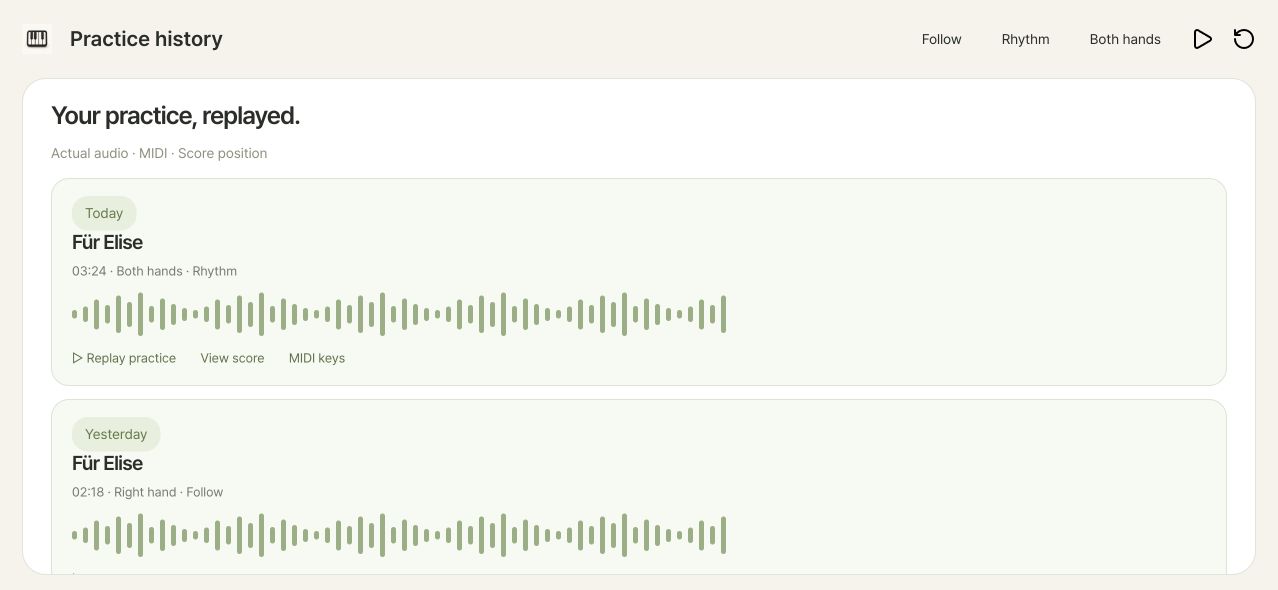
Compare your recorded performance with the score to see missed and extra notes by measure. Rhythm practice also analyzes note timing to help you find passages to practice again.
50credits/ session
Included in subscriptions with no additional credit charge. Previously generated results are free for everyone to view again.
See the connection path that matches your piano.
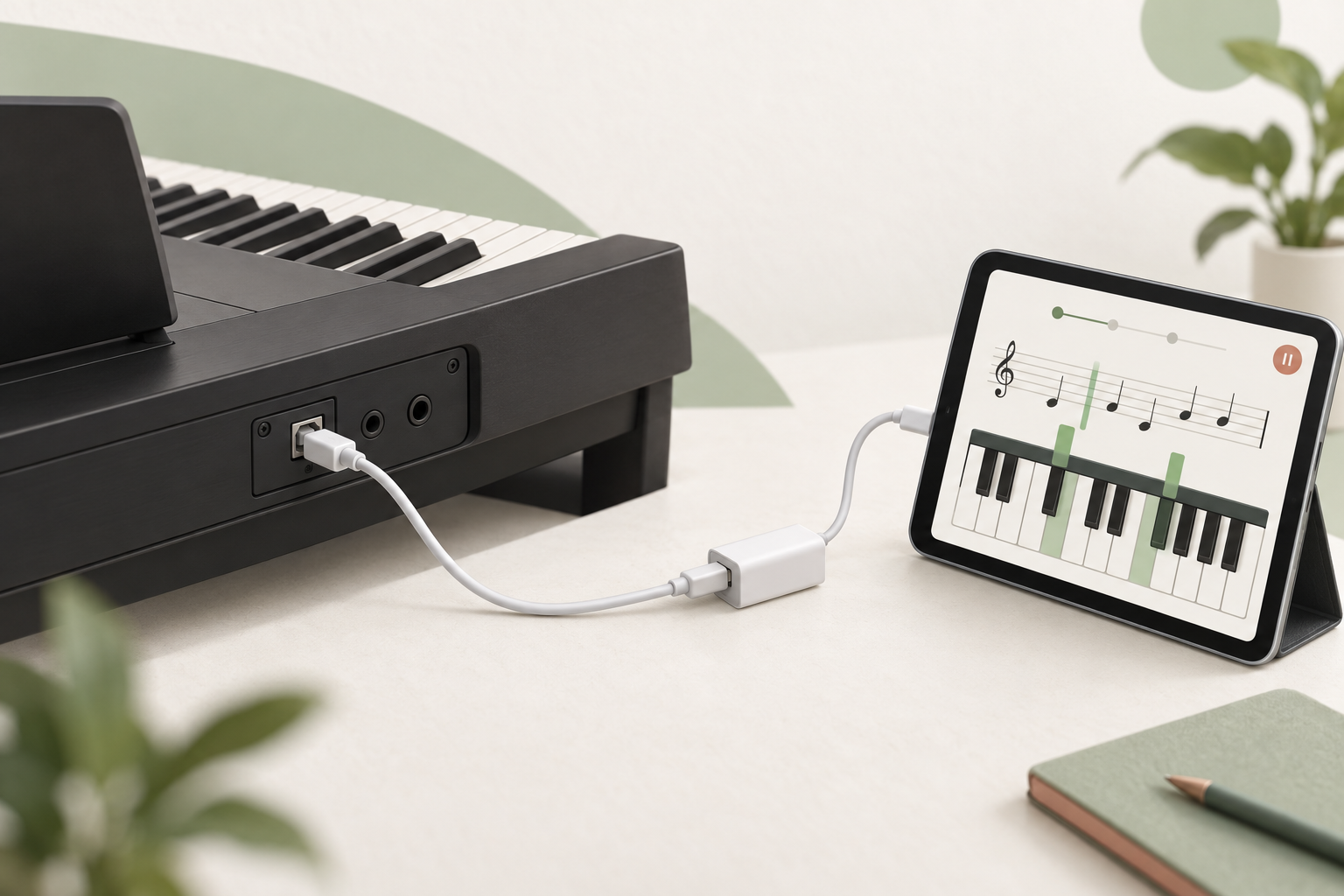
Use the piano’s USB TO HOST or USB Computer port.
For USB-C devices, use a data cable that fits the ports.
For Lightning devices, use a camera adapter.
Select your piano in the app, then press a key.
Check that the app’s input display responds.
Bluetooth Audio alone cannot make a wireless MIDI connection.
Turn on Bluetooth for both devices, then connect in the app.
The connection is ready when the app input moves.
Check piano power, the USB Computer/TO HOST port, a data-capable cable and adapter power. If the piano needs a PC-only driver, confirm iPhone/iPad compatibility with the manufacturer.
Try a powered adapter or USB hub. Confirm device compatibility in your piano manufacturer’s manual.
MIDI carries performance and key information. If the input display responds, check the piano’s own volume and headphone connection.
Check Bluetooth MIDI, the app’s Bluetooth permission and existing connections to other apps or devices. Disconnect those and try again.
Follow mode waits for the right notes. Choose one hand and use the keyboard and note guides at your own pace.
Use one bookshelf with up to ten scores (albums), MIDI Follow and basic practice history. Web albums are kept in your private account library.
Follow the USB MIDI or Bluetooth MIDI guide below. Check the port, cable and power supply in that order.
Keep MusicXML and PDF albums in your private library, then reopen or download your uploaded original. JPG pages are combined into one PDF in your browser before upload. Confirm the complete page count × 500 credits before converting a PDF album to MusicXML.
Download on the App Store for iPhone and iPad, or get it on Google Play for Android.
 iPhone · iPad · App Store
 Android · Google Play
Get help with piano connections, sheet music or your account.
Contact us